
Spinwin Casino Login
Log in instantly and start playing within minutes with 24/7 support available in English.
Spinwin Casino Games






Game Library






You can be inside your Spinwin Casino account in less than two minutes, provided you follow the right steps. Below is the login process itself, plus solutions for wrong passwords, locked accounts, verification that is still pending, and mobile access. If you remain locked out, support replies 24/7 in English.
How to Log In: Step-by-Step
Sign in with the same details you used when you registered. For a new account, the e-mail address has to be confirmed before the first sign-in.
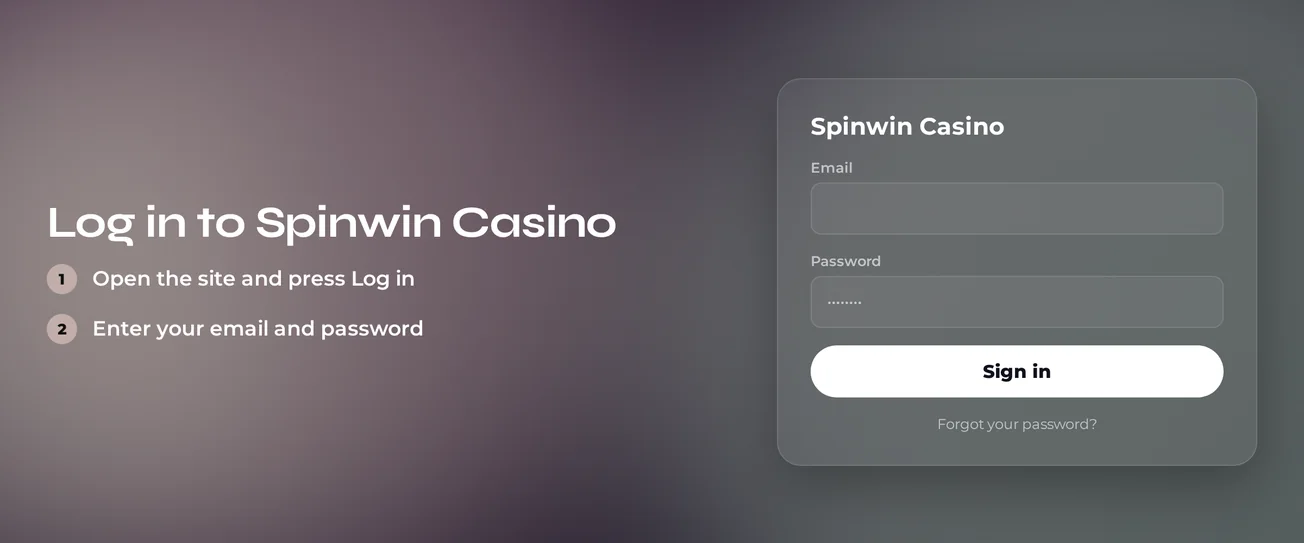
Load the Spinwin Casino website in the browser on your desktop or phone.
In the top corner of the page you will find the login button, click it.
Fill in the e-mail address or phone number tied to your registration.
Enter your password, then submit the form.
If you registered moments ago and the login fails, find the confirmation message in your inbox and click its link. Nothing there? Look in your spam folder. After confirming your e-mail, run through the four steps above once more.
Login Problems and Fixes
A typo, an outdated password or saved browser data explains most failed sign-ins. Go through the table from the top before contacting support.
| Problem | Likely Cause | Quick Fix |
|---|---|---|
| Wrong password message | Typo, caps lock or an old password | Retype slowly, then use the password reset |
| New account will not open | E-mail not yet confirmed | Click the link in the confirmation e-mail |
| Page reloads without logging in | Old cookies or cached files | Clear browser data and try again |
| Correct details rejected | Account locked or suspended | Contact live chat (see the locked account section) |
| Access stops during checks | Verification still open | Complete the requested verification |
Clearing cookies and cache
Saved browser data is the usual technical culprit. You handle this one yourself, and it takes roughly a minute.
- Go to your browser settings and locate the browsing data option.
- Pick cookies and cached files.
- Delete the data, then shut the browser down fully.
- Start it up again and sign in to Spinwin Casino once more. A private window is a handy quick test.
How to Reset Your Password
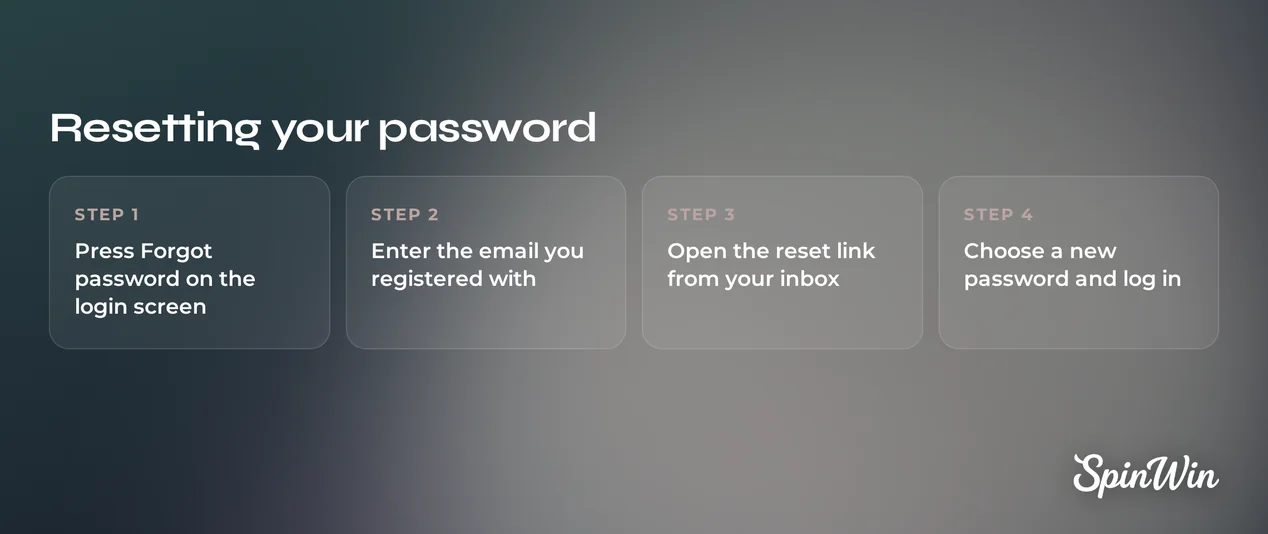
You are free to reset the password on your own whenever you like. Only if the reset e-mail never shows up do you need a support agent.
- Go to the login form and pick the password reset option.
- Type in the e-mail address connected to your account.
- Find the e-mail that arrives and click the reset link.
- Choose a new password and save it.
- Sign in using your new password.
Choose a password that no other site uses. If the reset e-mail is missing from your inbox and spam folder, pass the registered address to live chat. An agent can assist.
Account Locked or Suspended
A password that is correct but still fails after a reset suggests a lock or suspension on the account. A self-exclusion agreement or a pending verification request can affect access too.
- You stop typing passwords, which means no further failed attempts.
- You open live chat, available 24/7.
- Describe the message you see and provide the e-mail address linked to the account.
- Support checks the account and explains the reason.
- You carry out the instructions support gives you. Access comes back once support clears the account.
Self-exclusion
Should players sign a self-exclusion agreement with any gambling provider, Spinwin Casino has to be told.
If gambling is harming you:
- Ring the GamCare National Gambling Helpline on 0808 8020 133
- Go to gamcare.org.uk for free, confidential support
KYC Verification
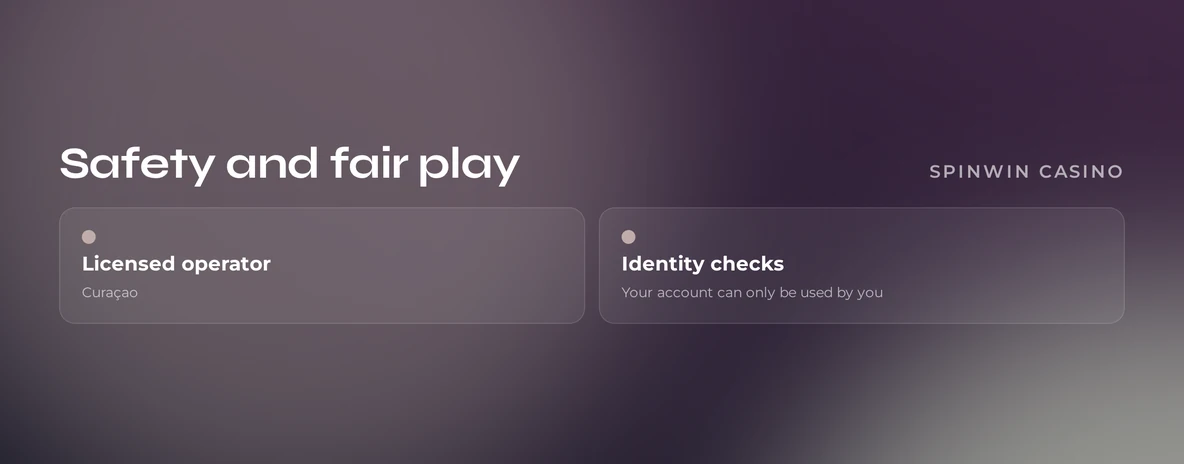
Signing up at Spinwin Casino requires just an e-mail confirmation and a self-declared 18+. More verification begins when the casino requests it. Your access may be limited until that request is closed.
- You log in and read the casino's verification request.
- You submit the requested documents through the channel named in the request.
- Support examines your documents.
- Your access comes back once verification is complete.
Send sharp, full-page images of every document. Cropped or blurry files slow the review. If your status is still pending, ask live chat for an update on your case.
Logging In on Mobile
Spinwin Casino is built as a responsive HTML5 mobile site. Log in via your phone or tablet browser using the same credentials as on desktop.
| Detail | Information |
|---|---|
| Access | Mobile browser, no separate install |
| Format | Responsive HTML5 site |
| Credentials | Same e-mail or phone and password as desktop |
| Fix for failed login | Clear browser data, then retry |
Add the site to your bookmarks or home screen so it opens in one tap. Should the page load slowly, swap between Wi-Fi and mobile data, then reload.
Contact Support
Support is available in English at all hours. Pick the channel that fits your issue.
| Channel | Availability | Language |
|---|---|---|
| Live chat | 24/7 | English |
| 24/7 | English | |
| Phone | 24/7 | English |
| Telegram | 24/7 | English |
Live chat is the fastest option for a locked account or a reset e-mail that never arrived. Give the e-mail address on your account and describe the exact message shown. E-mail works best when you need to attach verification documents.
FAQ
Players aged 18 and over are welcome at Spinwin Casino. Keep gambling as entertainment: set deposit and time limits you can afford, and take a break when play stops being fun. For help, call the GamCare National Gambling Helpline on 0808 8020 133 or visit gamcare.org.uk.